
 + PickPack
Connect WhatsApp Business Platform to PickPack for delivery updates, ETA, exceptions and POD
WhatsApp Business Platform can be the channel customers receive delivery updates through. PickPack provides the context: which real delivery events happen in the field, when to send a message, in which Template Category, what placeholders to fill, and what to do with inbound replies.
See the WhatsApp Business Platform driving real delivery updates in a 20-minute demo.
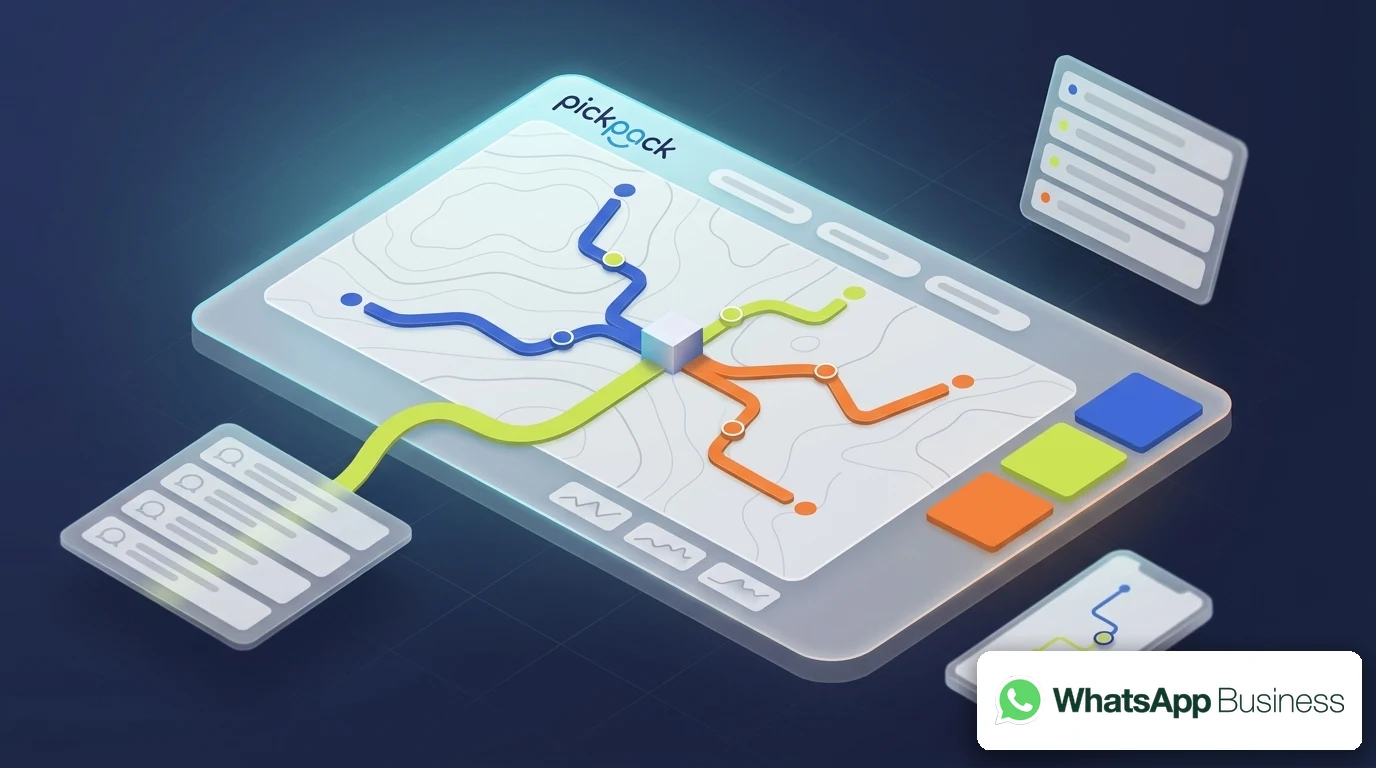
What’s broken today when WhatsApp Business meets delivery
In most organizations
The technical ability to send a WhatsApp message isn’t the missing piece.
What’s missing is context: knowing exactly when to send,
what to write, and ensuring the message is genuine and not spam.
Teams send updates manually
sometimes twice, sometimes late.
Sometimes a message gets sent after the delivery has already happened.
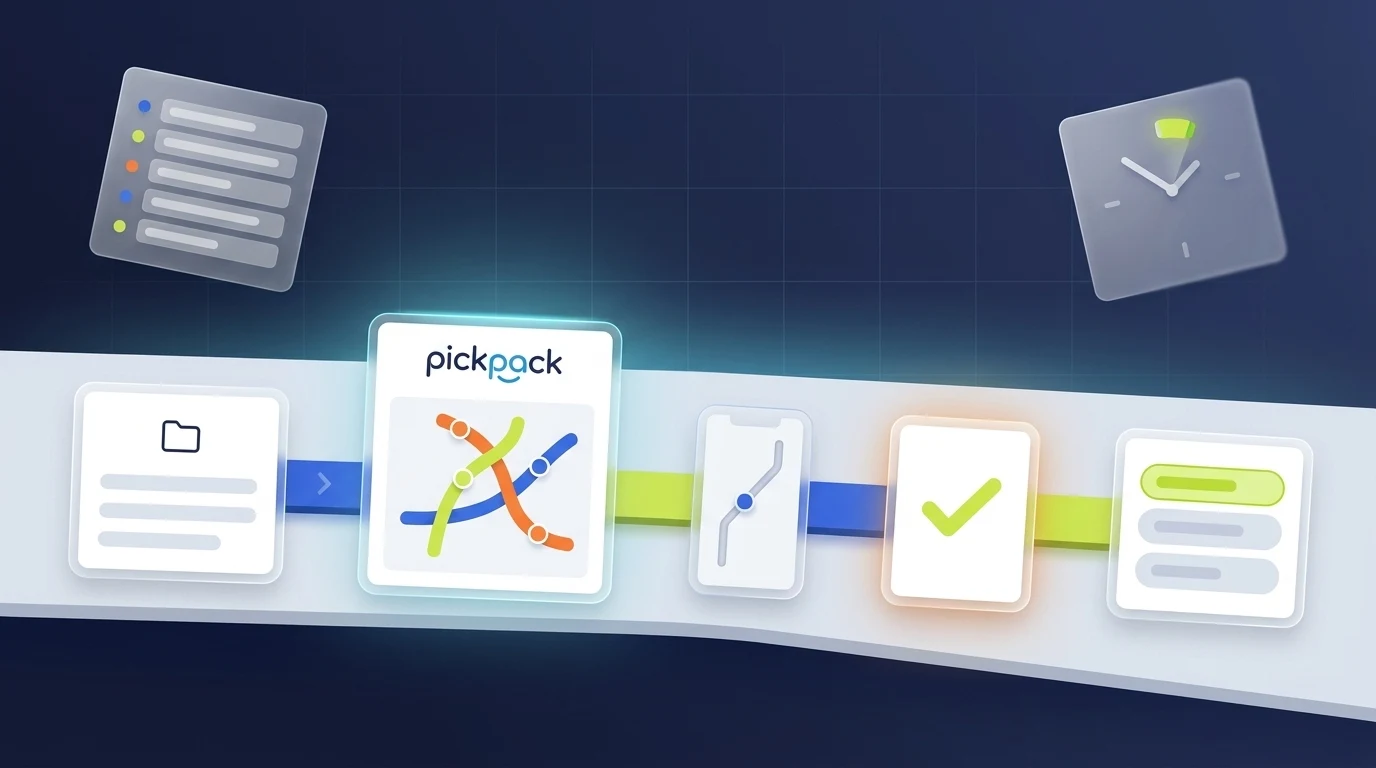
PickPack adds the delivery execution layer on top of WhatsApp Business
WhatsApp Business continues to manage the records. PickPack takes the field connection from there — planning, execution, measurement and closure.
- Real-time route optimization by vehicle capacity, time window and priority
- AI-powered automatic driver dispatch — no manual coordination
- Driver app with navigation, barcode scan, signature and POD capture
- Statuses that flow back automatically to WhatsApp Business: ETA, en route, delivered, exception
- WhatsApp and SMS updates to the customer with a live tracking link
| Layer | Responsibility |
|---|---|
| WhatsApp Business Platform | WABA, Phone Number, Display Name, Message Templates, Template Categories, Approved Templates, 24-hour session window, Webhooks, Quality Rating and Opt-in/Opt-out. |
| PickPack | Delivery events: Delivery created, Driver en route, ETA, Exception, Failed delivery, POD captured, and the decision of when to trigger a message and to whom. |
| The connection between them | Sending a payload from PickPack to WhatsApp with a Template ID and placeholders, and receiving Sent/Delivered/Read/Failed status or an inbound customer reply. |
What flows between WhatsApp Business and PickPack
The minimal data that has to pass for a delivery to happen — and what flows back when it closes.
Fields that flow
| From PickPack to WhatsApp Business Platform | Why it matters |
|---|---|
| Customer phone (E.164) | The destination of the message. |
| Template name + Template language | Selecting the correct Approved Template. |
| Body placeholders | Name, order number, ETA, time window, exception reason, Tracking Link. |
| Header media (if relevant) | POD image, route map or logo. |
| Button payload (Quick Reply / URL) | Tracking link, confirmation or a conversation with the team. |
| Reference ID | Delivery ID for linking replies back. |
| Channel preference | WhatsApp only, SMS fallback, or both. |
What the driver sees. What the customer gets. What the team controls.
Three different points of view — all running on the same PickPack layer, synced automatically with WhatsApp Business.
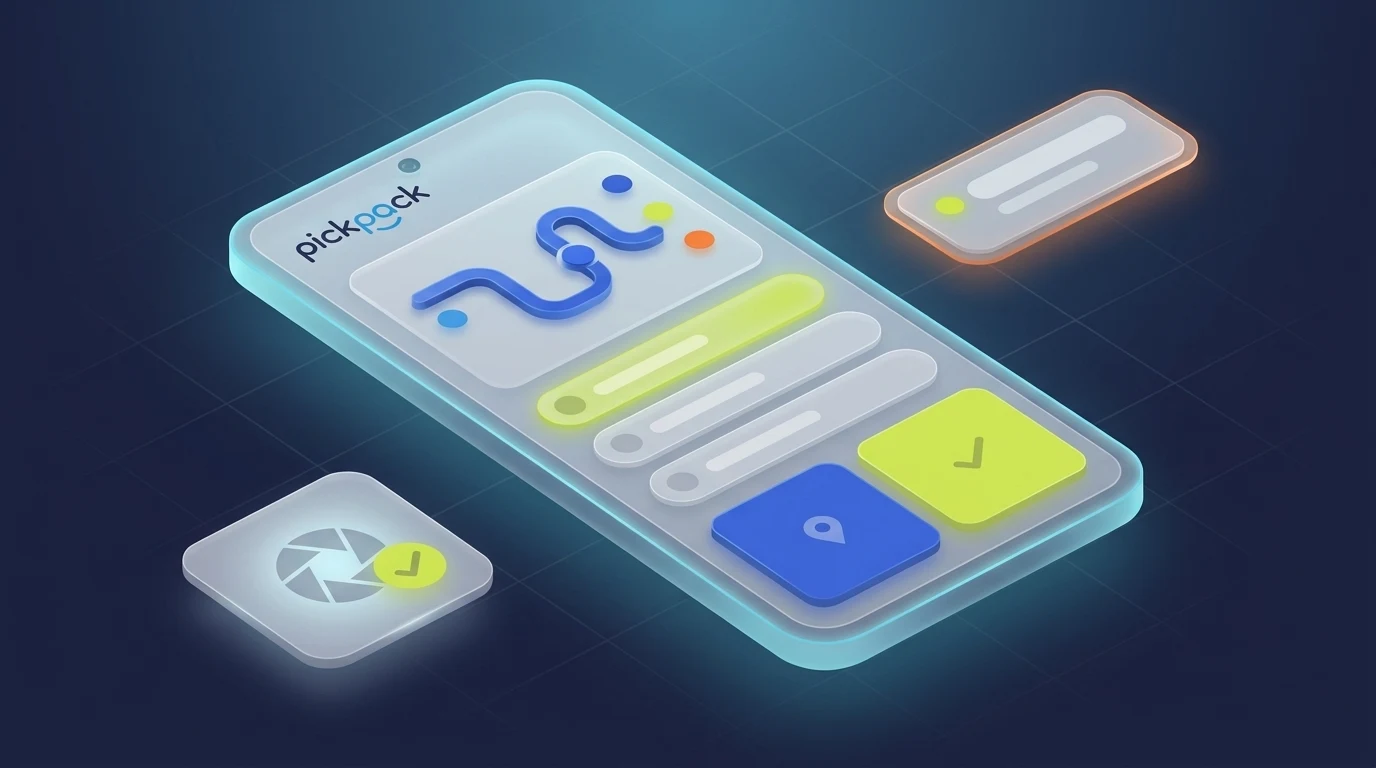
Driver App
Optimal route, built-in navigation, barcode scan, signature and POD capture. The driver just executes — PickPack has already coordinated.
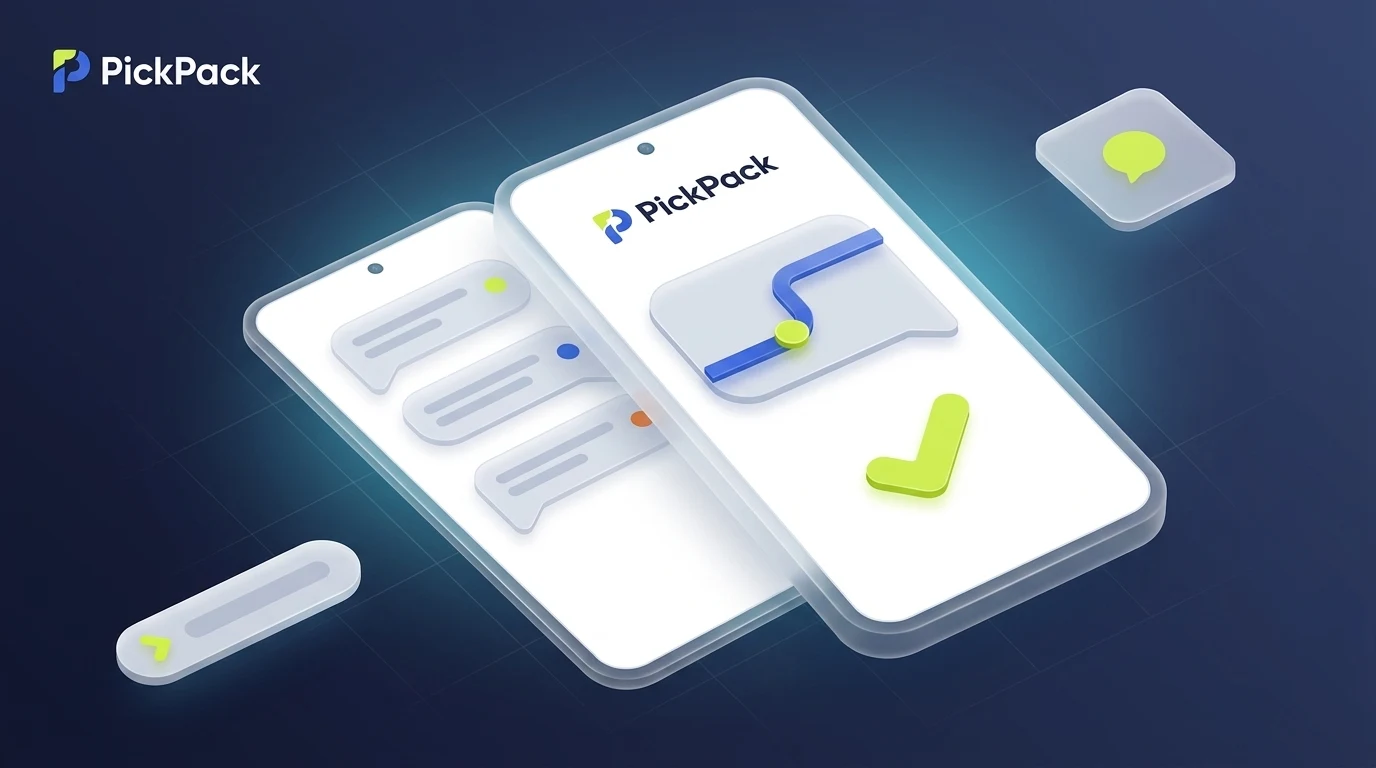
Customer Experience
WhatsApp or SMS with a live ETA, tracking link and delivery confirmation. The customer doesn’t have to call — they already know.
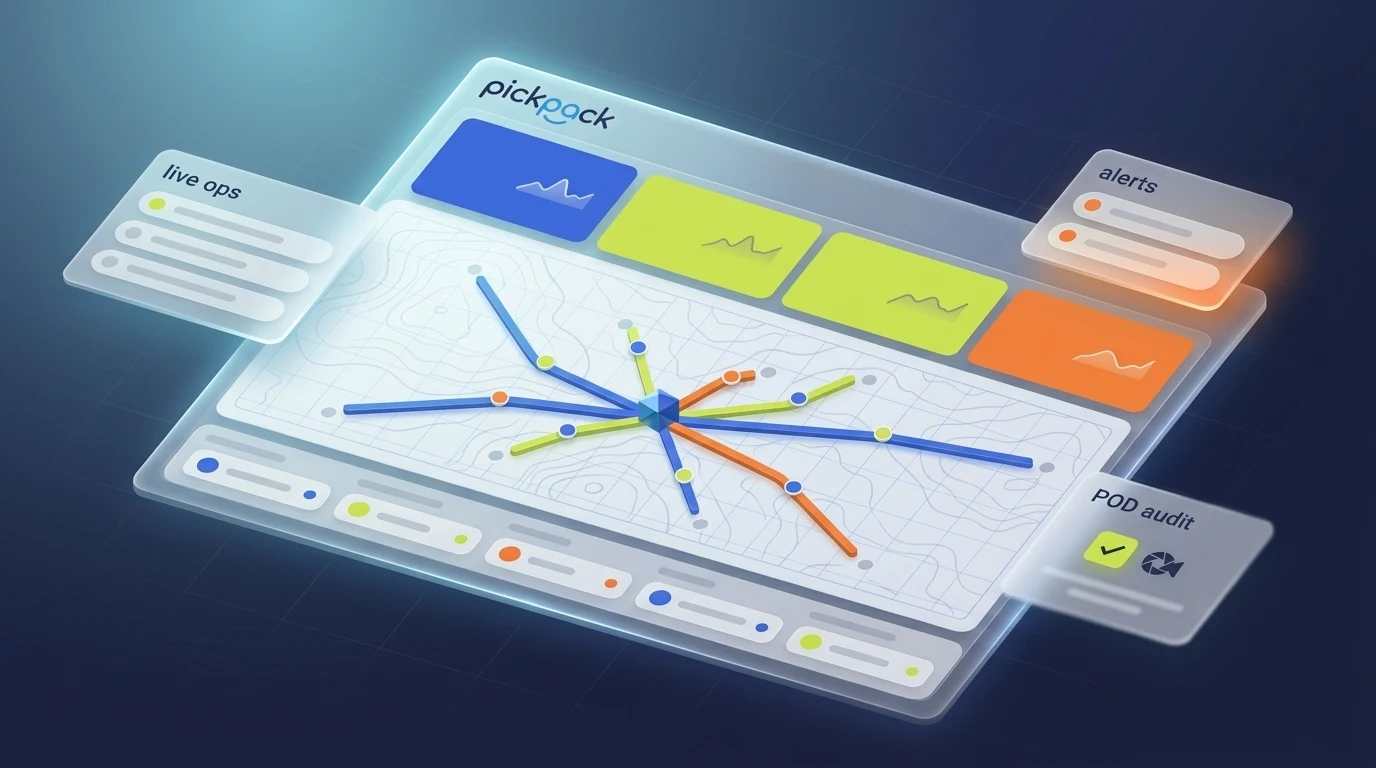
Operational Control
All live deliveries, real-time KPIs, flagged exceptions and proofs of delivery — all on one screen.
Four ways to connect — you choose the pace
You don’t have to start with a deep integration. Most customers move from file → automation → native integration within 3-6 months.
Cloud API (Meta)
Sending messages through Meta’s Graph API directly from PickPack or via middleware.
Business Solution Provider (BSP)
Such as 360dialog, Vonage, MessageBird, Sinch, Infobip — they provide a managed layer over Cloud API plus templates.
Twilio WhatsApp
For teams already on Twilio — that page is separate, but the logical connection is similar.
Two-way Webhooks
Status updates and inbound messages.
FAQ
Does PickPack send WhatsApp messages automatically?
What should stay inside WhatsApp Business Platform?
Which delivery events can trigger a message?
What’s the difference between the WhatsApp Business Platform page and the Twilio page?
How do you handle Quality Rating?
Can we start without a full Cloud API?
More integrations in the Communications & Customer Updates category
Browse other platforms in the same category. Each card opens the full integration page.

Connect WhatsApp Business to PickPack
Send us your Approved Templates and a sample delivery scenario. In a 20-minute call, a PickPack specialist will walk you through exactly how delivery events trigger the right Template at the right moment — across Cloud API or your BSP — with ROI numbers grounded in actual field data, not slideware.