
 + PickPack
Connect Airtable to PickPack and turn Records into delivery tasks
Keep Airtable as the source of truth for Bases, Tables, Records, Fields, Views, Interfaces, Automations, Forms and Webhooks. PickPack handles everything that happens after the order leaves the system: route planning, driver dispatch, the driver app, live GPS, ETA, WhatsApp and SMS updates, exception handling, Failed Delivery Reason and POD.
See it running against a real Airtable workflow in a 20-minute demo.
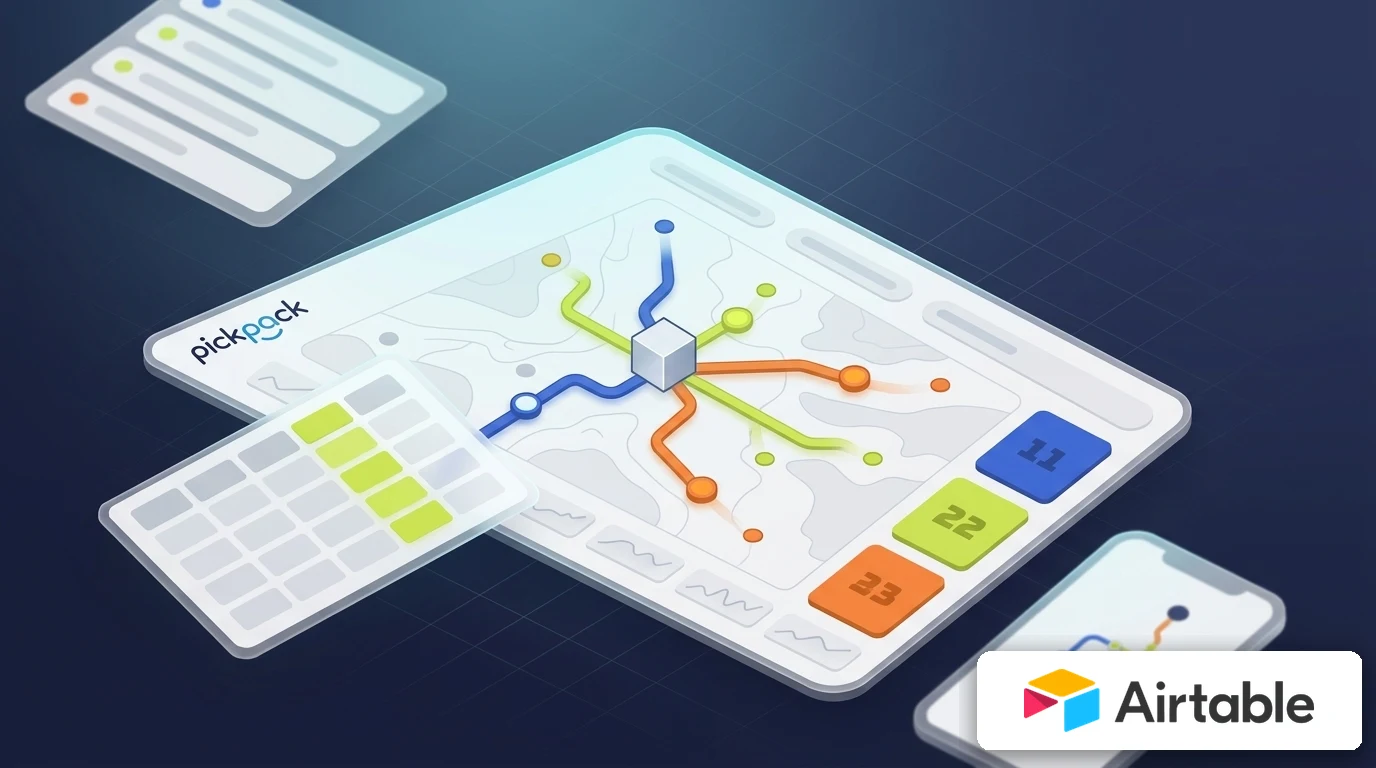
What’s broken today when Airtable meets delivery
In most organizations
Airtable already knows who the customer is, what the order or record is, where it stands and what the team committed to deliver.
The problem starts the moment that data has to go out to the field: inconsistent addresses
Driver coordination, time windows, exceptions, calls with customers, Proof of Delivery and clean status updates flowing back.
This page doesn’t try to turn Airtable into a delivery system.
It defines how Airtable stays the system of record
and PickPack turns the record into a delivery execution you can measure and close.
PickPack adds the delivery execution layer on top of Airtable
Airtable continues to manage the records. PickPack takes the field connection from there — planning, execution, measurement and closure.
- Real-time route optimization by vehicle capacity, time window and priority
- AI-powered automatic driver dispatch — no manual coordination
- Driver app with navigation, barcode scan, signature and POD capture
- Statuses that flow back automatically to Airtable: ETA, en route, delivered, exception
- WhatsApp and SMS updates to the customer with a live tracking link
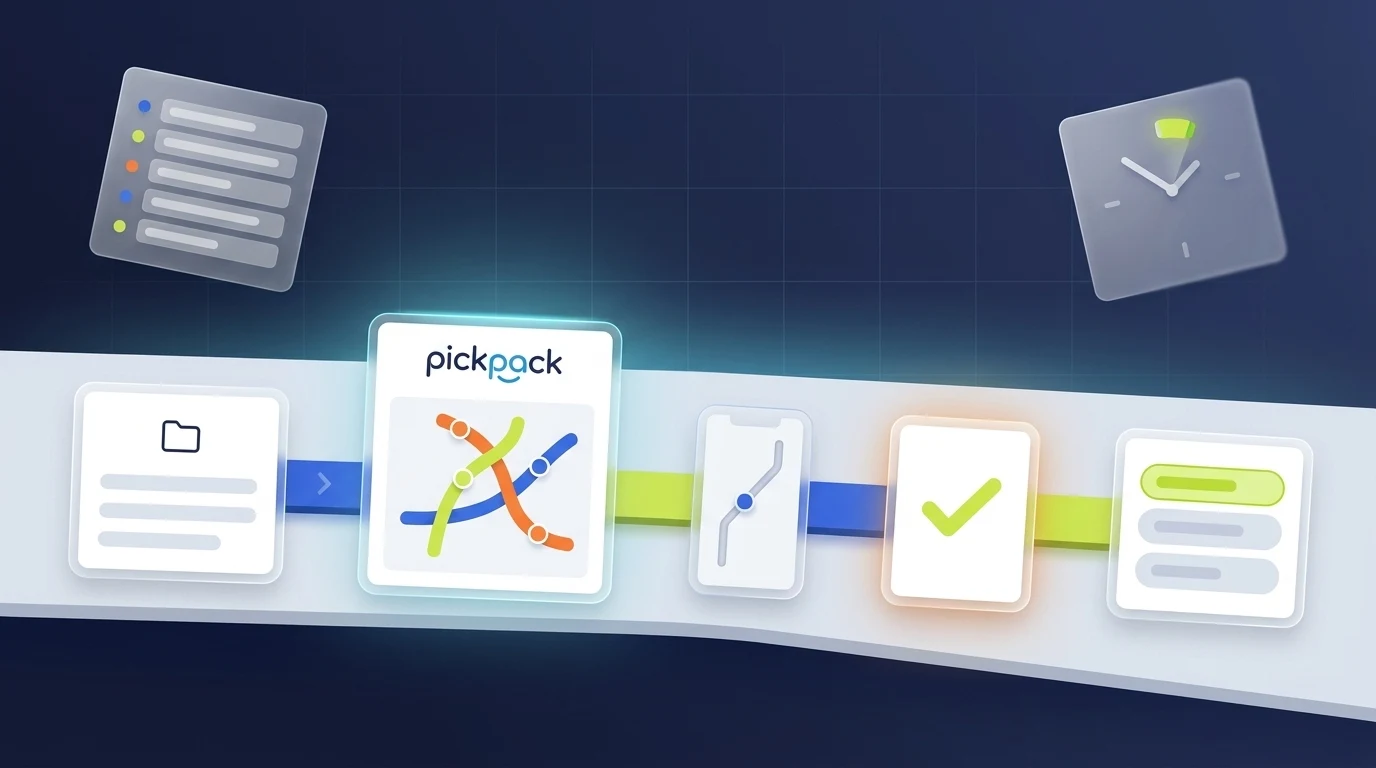
| Layer | Responsibility |
|---|---|
| Airtable | Bases, Tables, Records, Fields, Views, Interfaces, Automations, Forms and Webhooks. |
| PickPack | Routes, operational constraints, driver dispatch, driver app, GPS, ETA, customer updates, exceptions, Failed Delivery Reason, barcode scan, POD and performance analytics. |
| The connection between them | A minimal data transfer to create a delivery task and return statuses that are useful to Airtable teams. |
What flows between Airtable and PickPack
The minimal data that has to pass for a delivery to happen — and what flows back when it closes.
When a record becomes a delivery
Fields that flow
| From Airtable to PickPack | Why it matters |
|---|---|
| Customer / Contact name | Identify the recipient and coordinate with the customer. |
| Phone / mobile | WhatsApp/SMS updates and driver calls when needed. |
| Delivery address | Route planning, address normalization and exception detection. |
| Record / order / ticket reference | Link the delivery back to the source record. |
| Time window / priority | Route planning according to service commitments. |
| Items / quantity / weight / volume | Capacity, vehicle, warehouse or driver constraints when relevant. |
| Origin / warehouse / location | Origin point for the route. |
| Operational notes | Useful context for the driver and dispatcher only. |
What the driver sees. What the customer gets. What the team controls.
Three different points of view — all running on the same PickPack layer, synced automatically with Airtable.
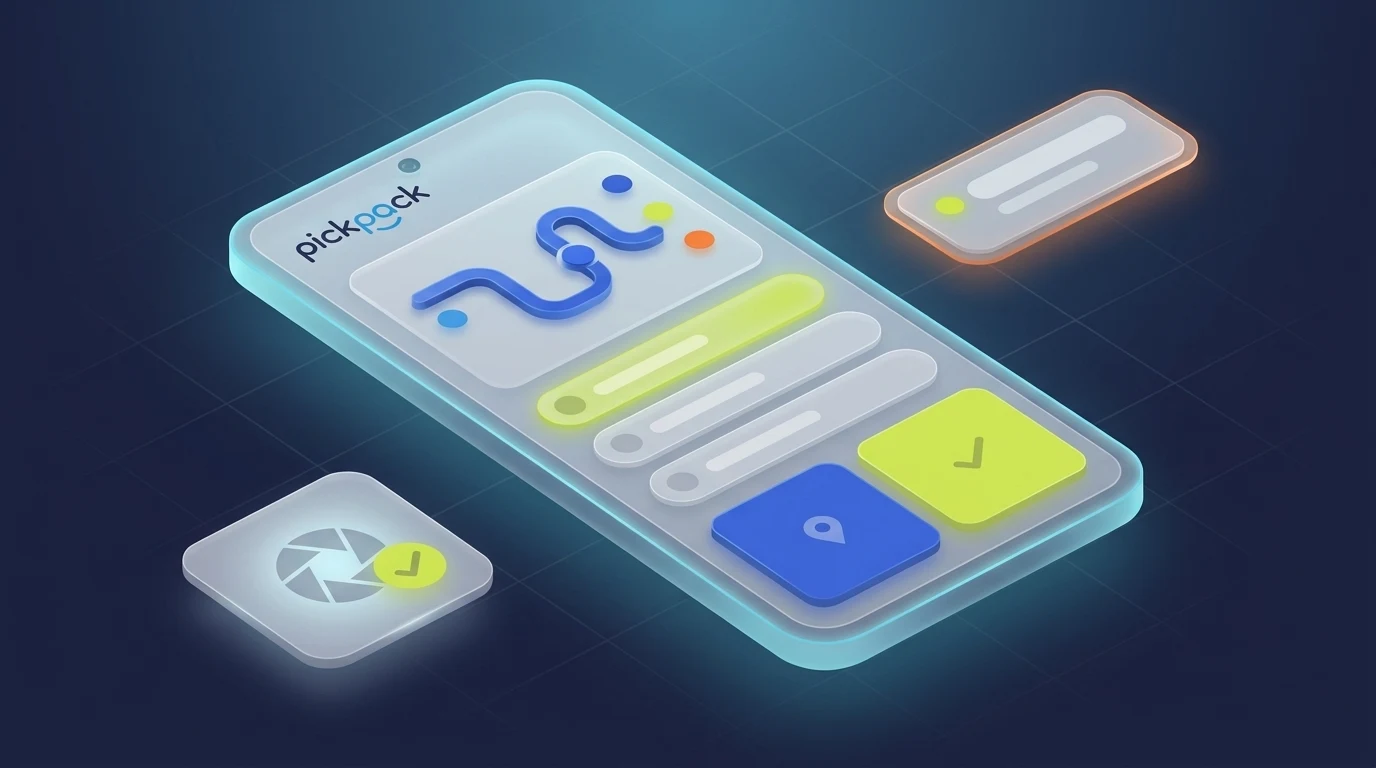
Driver App
Optimal route, built-in navigation, barcode scan, signature and POD capture. The driver just executes — PickPack has already coordinated.
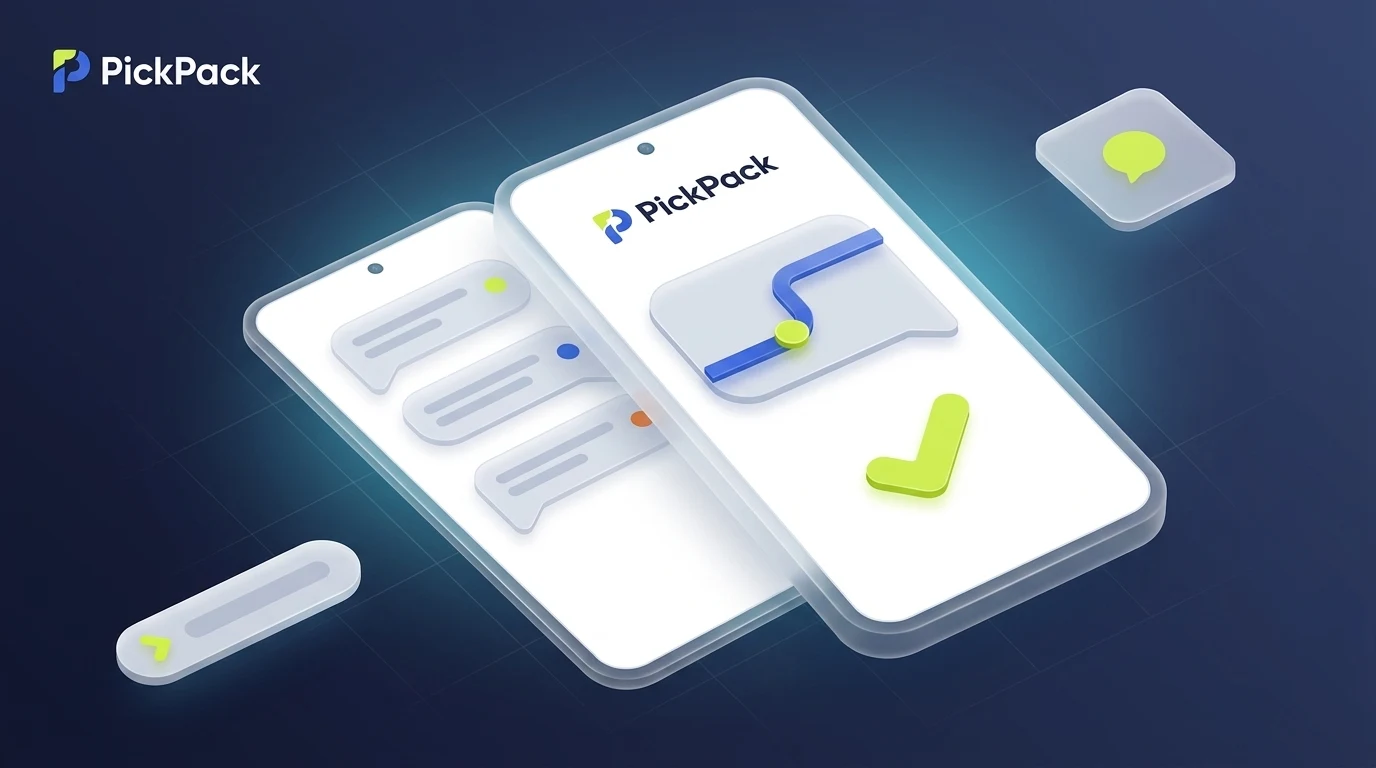
Customer Experience
WhatsApp or SMS with a live ETA, tracking link and delivery confirmation. The customer doesn’t have to call — they already know.
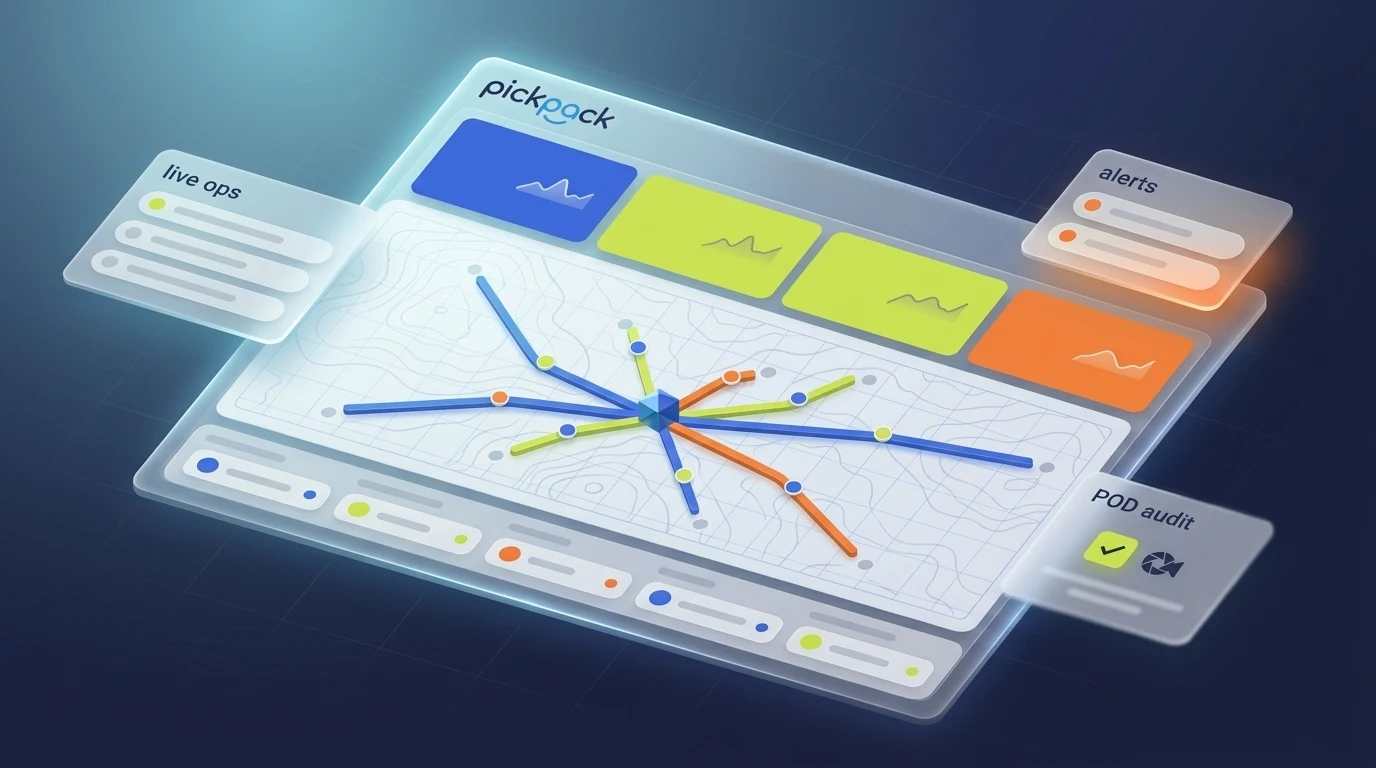
Operational Control
All live deliveries, real-time KPIs, flagged exceptions and proofs of delivery — all on one screen.
Four ways to connect — you choose the pace
You don’t have to start with a deep integration. Most customers move from file → automation → native integration within 3-6 months.
Excel/CSV
Suited for pilots, daily imports or a source system that isn’t yet ready for API.
Google Sheets
Suited for teams that want a live operational sheet with statuses flowing back.
Zapier, Make, n8n or Power Automate
Suited for triggers and relatively simple actions without full development.
API and Webhooks
Suited for high volumes, multiple systems, status updates and control requirements.
FAQ
Does PickPack work with Airtable?
What should stay inside Airtable?
What data can flow into PickPack?
What data can flow back to Airtable?
Can we start without a full API?
What must we validate in the demo?
More integrations in the CRM / Customer Support category
Browse other platforms in the same category. Each card opens the full integration page.





Connect Airtable to PickPack
Send us a sample record from your real workflow. In a 20-minute call, a PickPack specialist will walk you through exactly how it becomes a live delivery inside PickPack — routed, dispatched, tracked and closed with a POD — with ROI numbers grounded in actual field data, not slideware.